 logo
logo



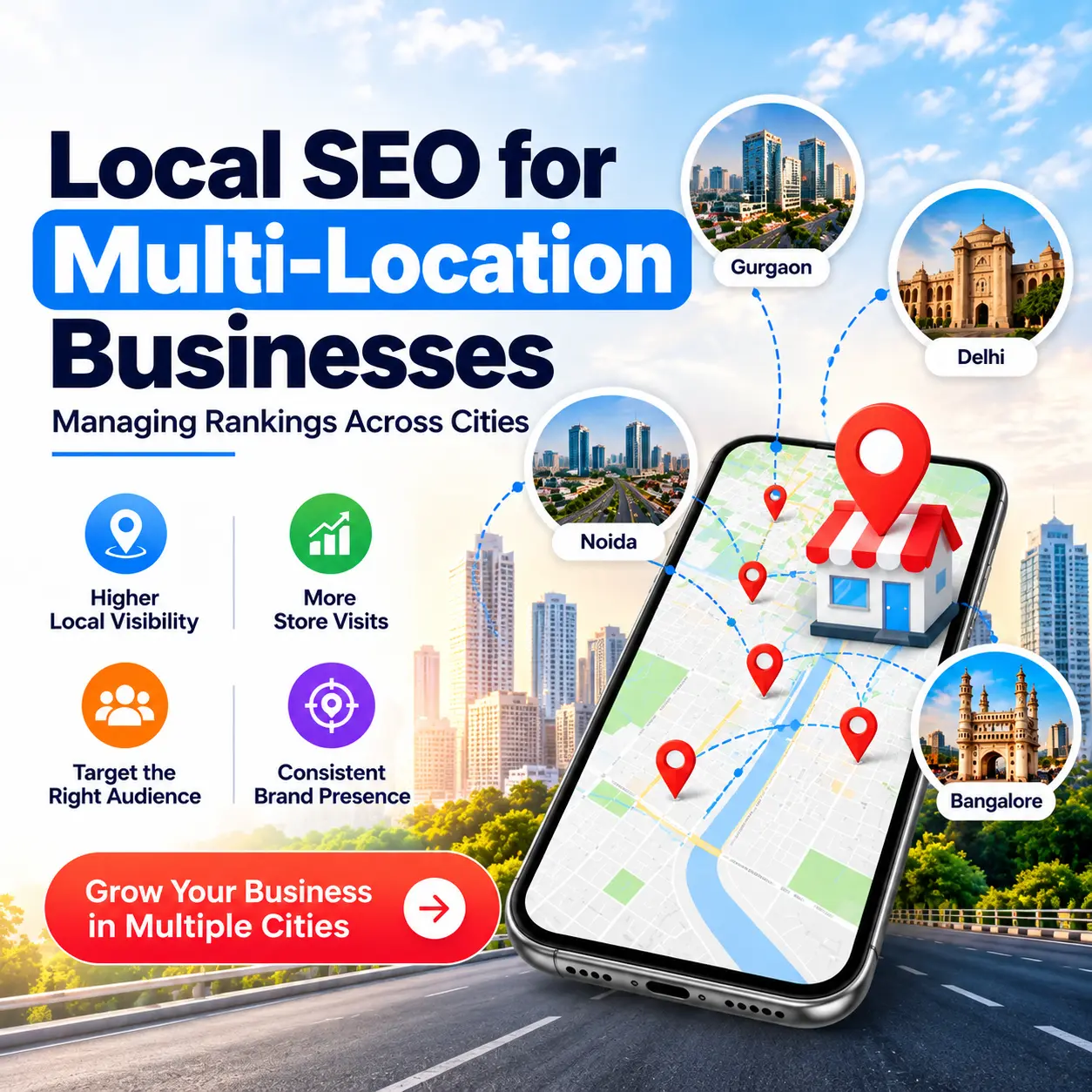
Suppose, you have a bakery in 5 cities. Someone searches for ‘fresh bread near me’ but you appear in the shop in the other city. It’s a common challenge for all growing businesses. On this blog, you will discover some easy tips and tricks on how to manage local SEO for multi-location businesses to make sure that each of the branches is discovered by the people living near them.
What is Local SEO for Multiple Locations?
Local SEO works to get your business to be visible to those who are looking that are local. If you have more than one branch, local SEO for multiple locations can become a little trickier as each location will be treated in isolation. Each city should have an address, phone number, page and reviews. Imagine you have a large school building, with lots of classrooms. It is not possible for one teacher to be responsible for all of them, each room requires one teacher to look after them.
Why Every City Needs its Own Attention.
One mistake that’s often made is handling all branches the same. How people search varies from city to city. They employ different landmarks, areas names, and sometimes use different words for the same. Google recognizes who should view your site when your website is speaking to each one of the cities. Then other people who are near enough to walk in or call visit you.
How to Design a Multi-Location SEO Strategy?
- Make sure to post the same name, address, and phone number everywhere you go online.
- For each city or branch make one strong page.
- Have one Google Business Profile per location.
- Encourage customers who are happy to write reviews at every branch.
- Go to every location individually; not as part of a large group.
Creating Location Pages That Rank
Many cities rely on location page SEO as the core of their rankings. The pages should all seem to be written specifically for that location. Include local address, hours, directions, and a map. Talk about places and objects in their surroundings that are familiar. Use photos with a picture of the branch, and of the staff working at the branch. Use the city name in at least the page title, main heading and the opening paragraph, but be natural.
Don’t copy the same text and just alter the name of the city. Google will identify this and readers will get bored of it quickly. However, give it a special touch for each location; the idea is to make it part of their local lore, a popular service in that place, or add a kind comment from a local customer.
What is Multi-Location Google Business Profile Management?
- If you have a lot of branches, use a bulk upload sheet so that you can edit them all at once.
- Select the appropriate Primary category for each Subcategory and add additional services.
- Update opening hours regularly and particularly on holidays.
- Include new photographs each month.
- Read and reply to questions on every profile; post updates.
- Assign owners to each profile in your team so that nothing gets lost.
Reviews and Local Links Build Trust
Reviews are like getting advice from a friend. When a lot of people say that the branch is good, then new customers trust that branch as well. Seeking feedback after a happy visit and following up on any feedback, even the negative, is a good idea. By responding politely, you make it apparent that you value their help.
Local links are helpful too. If your business is included in your city’s news site, school, or community group, Google considers your business a part of that town. These links are available upon sponsoring a small local event or being a member of a local business group.
How do you rank well in multiple cities, without confusing google?
The solution to this is a clear structure in the Web site. Create the main page “Locations” and hyperlink it to a page for each city. Where you have multiple branches within a city, start off with a city page, then make a page for each individual branch. In addition, you can include a local business schema – a bit of code that instructs Google about your address and hours. It also enables visitors to flow from one page to the other easily with the simple connections between them. This is how to rank in multiple cities, while maintaining a neat, easy to understand site.
Common Mistakes to Avoid:
- Providing alternate phone numbers or addresses on alternate sites.
- Using the same page for all cities.
- Poorly considering small branch review comments. Lack of consideration for small-branch review comments.
- Loses track of a branch that’s moved/pulled.
- Restating of place names throughout a written text.
Conclusion
Getting in the top spot in numerous cities takes time, and it’s not magic. Having a clear multi-location SEO strategy and multi-location Google Business Profile management, ensures that there is an even chance for each location. BizClick Digital makes it possible for your business to win local business ranking.
Our team assign a page to each location, a profile to each location and a review to each location and maintain the same information throughout the web.
