 logo
logo




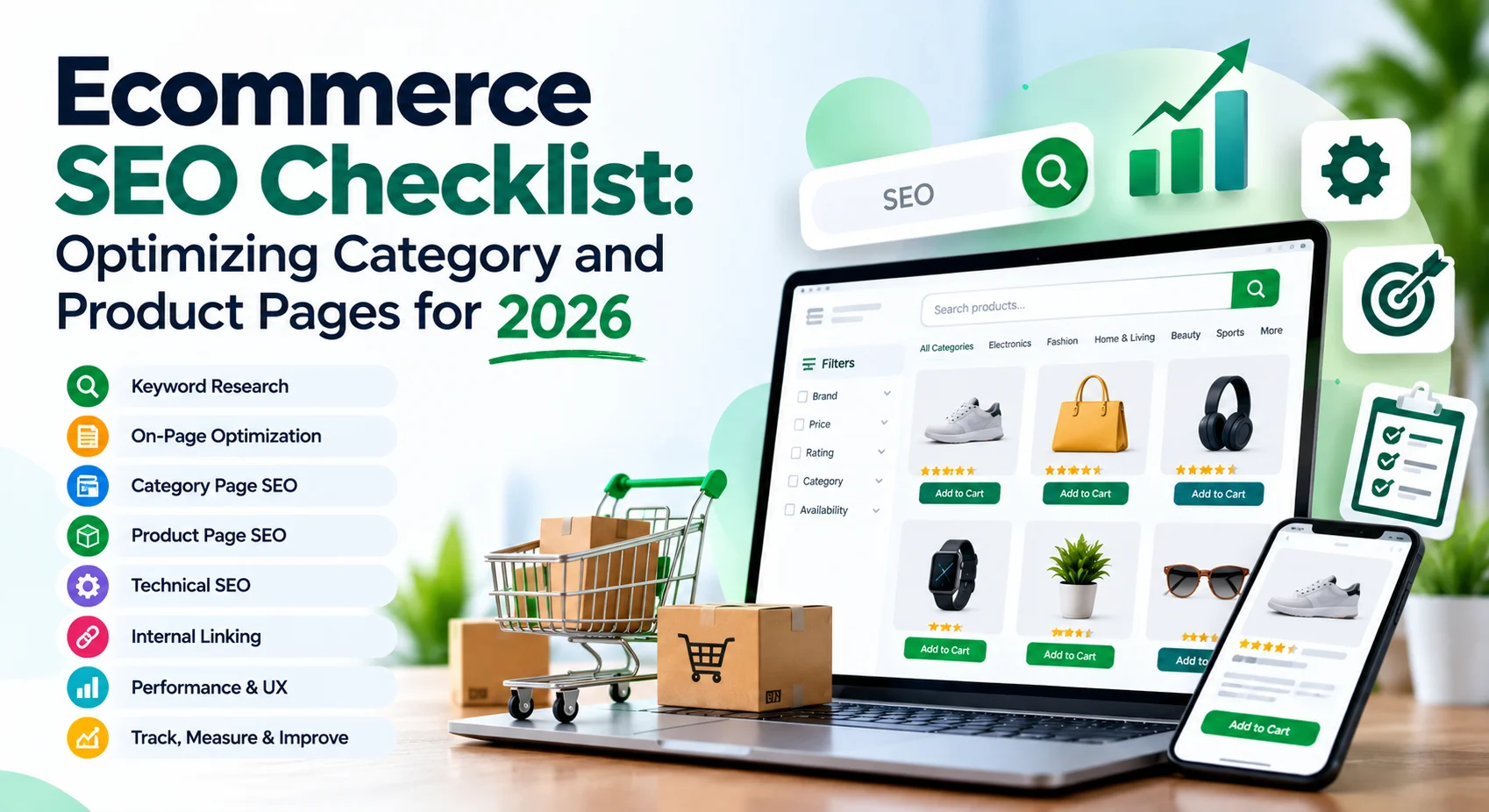
What if you run an online business, no one comes to you? Sad, right? Your pages are not found on Google and most consumers never discover you. Fortunately, some sensible measures are available to make a difference. This is an easy ecommerce SEO checklist, it will inform you how to optimize your product and category pages, so your store is open for ecommerce SEO 2026 and more human beings can locate it.
What Is an Ecommerce SEO Checklist?
An ecommerce SEO checklist is a compilation of steps you can take to improve your web shop’s visibility to higher rankings on search engines like Google. Just as you would have a list of tools before going to a test, in this case, pen, admit card and water bottle. Tick all the items, you feel ready. Similarly, by checking off each step in the SEO process, search engines get to know your store, and, in turn, they promote your store to people.
What Category and Product Pages are and why it is important in 2026?
The most crucial pages of your store are category pages and the product pages. Category pages are for visitors who are still researching, such as “school bags for boys”. Product page content is where it takes people who are already looking to purchase products. As a search engine gets smarter, in ecommerce SEO 2026, it’s able to better assess if the webpage is truly valuable to the viewer. Leftover thin and/or poor quality or messy pages will be discarded. Hence, category page optimization and product page optimization are the first processes that should be included in your list.
How to Identify the Right Keywords?
Begin by putting yourself in your shopper’s shoes. What would they enter into Google? Google offers some free tools such as the “People also ask” box and Google Keyword Planner that will provide you with plenty of ideas. Try to have a catch-all phrase for a category page like “school bags”. For a product page, use a longer and/or more specific keyword such as “waterproof blue school bag with laptop pocket.” Always choose one primary keyword for each page – if you use the same term on multiple pages, you will be competing against yourself.
A user-centered way of structuring ecommerce category pages.
- A brief two- or three-line introduction to tell visitors what to expect.
- Products displayed in an uncluttered grid and simple filters such as size, color and price
- A link to related categories with which the shoppers can continue their shopping.
- Some brief assistance or Frequently Asked Questions section immediately below products.
- Breadcrumbs at the top, so visitors always know where they are on your site
How to Optimize Product Pages for SEO?
Each product should have its own dressing. Create one unique title that includes the main keyword, and avoid going over 60 characters or the title will be cut off in some search results. Include a friendly meta description that will inspire visitors to click on. Then write your own description of the product. A common mistake is copying the maker’s text as thousands of stores have these same lines and these lines are common. Explain to the shoppers the facilitating qualities, for whom it is designed, and why it is beneficial. Keep sentences as your main sticks to shorter ones.
Product Page SEO Best Practices by BizClick Digital Experts
- Reduce long, complex, directory-traced links such as /kids-school-bag, use short and simple links.
- Include some customer reviews, as these provide new material and create trust in the brand.
- Include product schema, for Google to display price, rating and stock in search results.
- Provide brief, clear alternative text for all images, describing its content.
- Link to other products and to the corresponding category page
- Include a small FAQ section with answers to common questions by buyers
Are speed and images truly important?
Yes, and a lot. People mostly use their mobile devices for shopping and put down their devices after just a couple of seconds. Optimize images for uploading: compress them, use lightweight image formats such as WebP and keep names simple like “blue-school-bag.webp”. Also ensure that the appearance of your store isn’t ruined on mobile devices since Google primarily studies the mobile version of your site. Visitors stay on the site longer if it is fast and smooth and this signals to search engines.
Mistakes That Can Hurt Your Rankings
There are many reasons, and they’re often simple errors that are causing many store owners to lose traffic. Copy other websites’ descriptions. Some say the same word over and over until it sounds weird. Other pages are deleted when they contain products that are no longer in stock, leaving customers unable to purchase the item. The best would be to always keep the page alive and offer alternate product suggestions showing the visitor when the product will be back. Also, repair broken links frequently. Regular clean-ups, on a monthly basis, keep your site healthy.
What could your small steps be?
- Find one category page and rewrite category title and intro
- Choose up to 5 product titles that contain clear keywords
- Use ‘alt text’ on the top 10 selling product images.
- Use Google PageSpeed Insights (GPSI) to test your store speed.
- Invite delighted customers to write a review.
- Once you’re at the homepage, the top categories will be linked in here.
Conclusion
The term ecommerce SEO seems large but, in reality, it’s a way of being helpful. BizClick Digital ensures neat and honest placement so your shoppers and Google will start to trust you when your category pages are clear and your product pages are fast and easy on the eyes of searchers.
Take a note of all these eCommerce SEO Checklists and stick to them, but do not go for a get rich scheme in just a day. Take the plunge, establish a slow and steady pace and monitor your traffic by 2026. They are already on the hunt for your next sale, don’t let them forget to find you.
